
How to see Profit & Loss, Balance Sheet and Trial Balance from Tally on your phone
Direct answer
Sync your TallyPrime company to Arya and open the Analytics tab on your phone: Profit & Loss, Balance Sheet and Trial Balance are there — matching Tally 100% for the period you choose. Tap any line to drill down to the group, the ledger and the voucher behind it, and export the screen as a PDF or Excel file.
What's on the Analytics tab
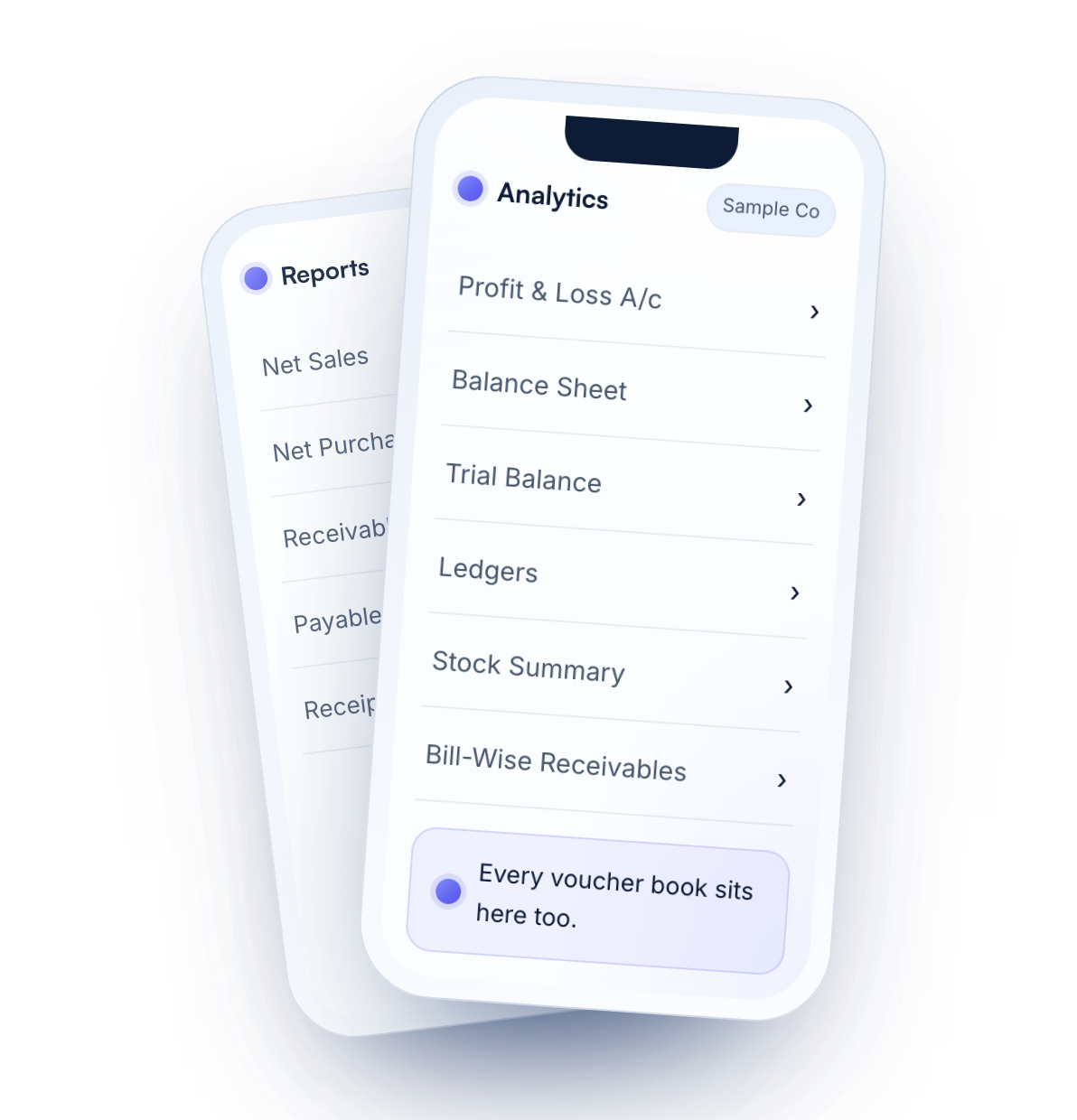
- Profit & Loss A/c, Balance Sheet and Trial Balance — the same figures as TallyPrime.
- Ledgers and every voucher book.
- Stock Summary and closing stock as on a date.
- Bill-wise receivables and payables, with ageing.
Set the period once
Pick a date range at the top and every screen — Home, Analytics and Reports — follows it, so the Profit & Loss and the Balance Sheet you see are for the same period.
Drill down to the voucher
From the headline down to the group, the ledger and the voucher behind it — the way you would in Tally, with a tap.
Every figure says what is in it
Tap the info mark on any metric and Arya spells out what it counts, what it leaves out and whether GST is inside the number.
Your Tally, two ways
| On the Tally PC | Tally with Arya, on your phone | |
|---|---|---|
| Profit & Loss and Balance Sheet | Gateway of Tally → Profit & Loss A/c or Balance Sheet | Analytics tab → Profit & Loss A/c or Balance Sheet |
| Trial Balance | Gateway of Tally → Display More Reports → Trial Balance | Analytics tab → Trial Balance |
| Sharing with your CA | Export or print on the PC | Export the screen as PDF or Excel from the phone, or add your CA to the workspace |
Questions
Do the statements on my phone match Tally?
Yes — 100%. The Trial Balance, Profit & Loss and Balance Sheet in Arya are built from the same ledgers and vouchers, and match TallyPrime for the same company and period.
Can I choose the period?
Yes. Set the date range once at the top; every screen follows it.
Can I drill down from a total?
Yes — from the total to the group, the ledger and the voucher behind it.
Can I export the Balance Sheet or P&L?
Yes. Export the screen you are on as a PDF or an Excel file.
Can I see stock?
Yes. Stock Summary and closing stock as on a date are on the Analytics tab.
Read your Tally on your phone
Try Arya on a sample company with a free account, then connect your own Tally in three steps.
Related guides
Figures shown are sample data on a made-up company. Tally and TallyPrime are trademarks of Tally Solutions Pvt. Ltd. Arya is not affiliated with Tally Solutions.